

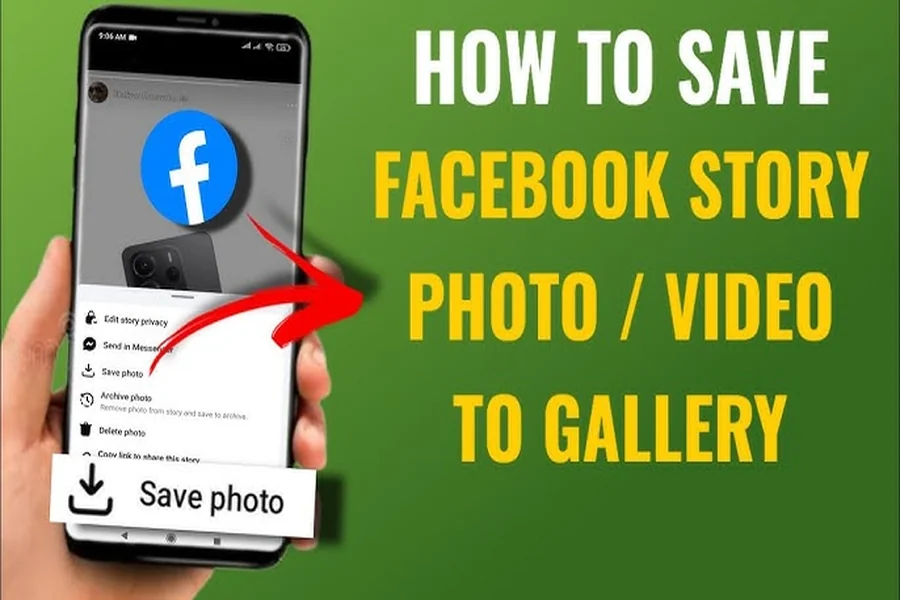
Sometimes a clip you wanted to keep vanishes overnight. A Facebook downloader fixes that quiet panic by saving the file directly to your device, so a memory or reference stays with you.
Picture a family member trying to preserve a memorial Story before the 24-hour timer empties it. That moment is the reason browser-based saving tools exist.
What a Facebook downloader actually does
The term refers to a web-based service that reads a public Facebook URL, fetches the original media stream, and returns a clean file. No browser extension, no installer.
Here is the practical workflow with fGet, written as a numbered procedure rather than vague advice:
- Open the Facebook post, Reel, or live broadcast and tap the share button to copy the link.
- Paste the video URL into the input field on the fget.io homepage.
- Pick a format such as MP4 video, MP3 audio extraction, or an image file.
- Choose your resolution if HD is available, then press the download button.
- Confirm the save destination on your device, whether camera roll, photo library, or default download folder.
The whole loop usually finishes in well under a minute, even on a mid-range Android phone or older laptop with average bandwidth.
Stories, Reels, and live broadcasts in one place
The Stories downloader matters because Story content auto-expires. A grieving relative archiving a tribute clip has hours, not weeks, to act before the post is gone.
The video downloader covers public posts, short-form video, and the new live broadcast capture option. Pair them and a full fb video download workflow becomes manageable on any device.
Audio works the same way. Pull an MP3 from a recorded performance, or keep the muted MP4 if you only need visuals for a memorial slideshow.
How fGet compares to other Facebook video download options
The table below compares common saving methods against measurable criteria a careful user cares about. Numbers reflect typical, observed behavior rather than promises.
| Method | Steps required | Max quality | Registration | Install size | Cost |
| Screen recording | 5 to 7 manual actions | Screen resolution, often re-compressed | None | 0 MB | Free |
| Desktop software | Install plus 3 clicks | HD or Full HD | Often required | 40 to 200 MB | Often paid |
| Browser extension | Install plus 2 clicks | Up to Full HD | Sometimes | 2 to 15 MB | Mixed |
| fGet web tool | 3 paste-and-click steps | HD when the source allows | None | 0 MB | Free, unlimited use |
Two practical differences stand out. The browser-only flow skips installer prompts on iPhone, iPad, and PC, and the file arrives in its native format without re-encoding.
Why this matters for a real-world save
Back to the memorial Story scenario. The relative wants the original quality, no account creation, and no risk of malware on a shared family tablet. Server-side processing (the heavy lifting happens on the tool’s servers, not the phone) keeps the device cool and quick.
Privacy is part of the same equation. fGet does not keep download history tied to an account, since no account exists. Anonymous usage is the default, not an upgrade.
Quick tips for a smoother Facebook video downloader experience
- Copy the link from the post’s share menu, not the address bar, for the cleanest video link.
- For a facebook video download without watermark, save directly from the source rather than re-uploading a screen capture.
- Private posts cannot be retrieved. Only public content is eligible for fb download.
- Switch from MP4 to MP3 when you only need the audio clip for a tribute or class.
- Respect content creator rights and avoid commercial redistribution of material you did not produce.
One careful save, a few seconds of effort, and the memory stays safe on your own drive. That is the quiet promise behind a well-built facebook download workflow.
